From Legacy Chaos to Digital Catalog: 97% Less Manual Work.
How I built a catalog automation system for a Miami B2B food distributor with 5,000+ active SKUs — from audit to working catalog in two weeks.
The Problem
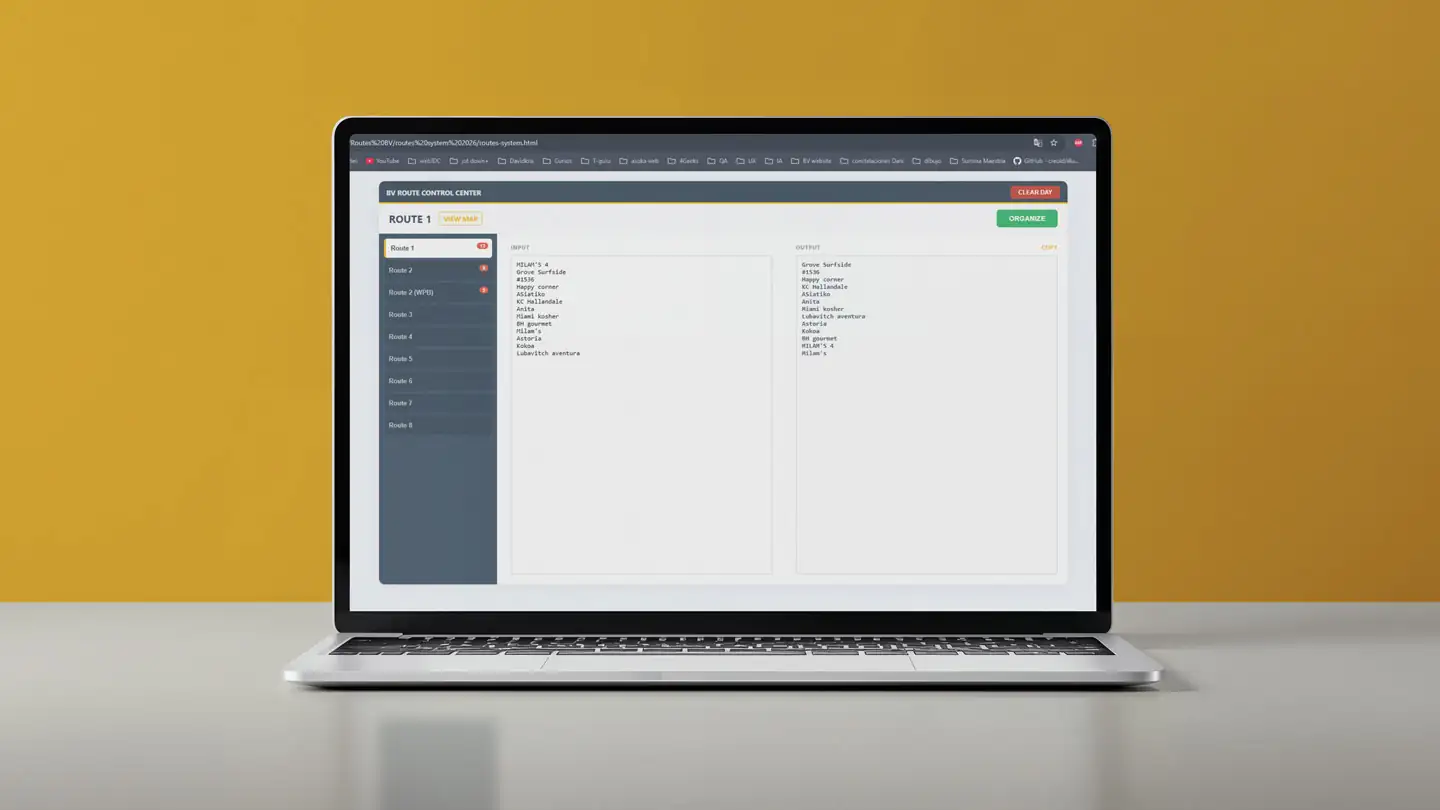
Best Value Foods is a kosher food distributor in Miami with over 5,000 active SKUs. Their catalog lived in a legacy system (ABGENT) that hadn't scaled with the business: corrupted data, inconsistent naming, no usable product images, and no structure that allowed the sales team to present products digitally.
The cost was concrete: without a working catalog, vendors couldn't show products to buyers, the sales team worked from memory, and the business couldn't scale its digital channels.
The Solution: A 5-Stage Automation Pipeline
The pipeline runs in five sequential stages:
- Stage 1 — Audit: Inventories all input files, counts SKUs, flags missing fields and image gaps.
- Stage 2 — Data normalization: Cleans names, brands, categories, prices, and generates consistent SKU codes.
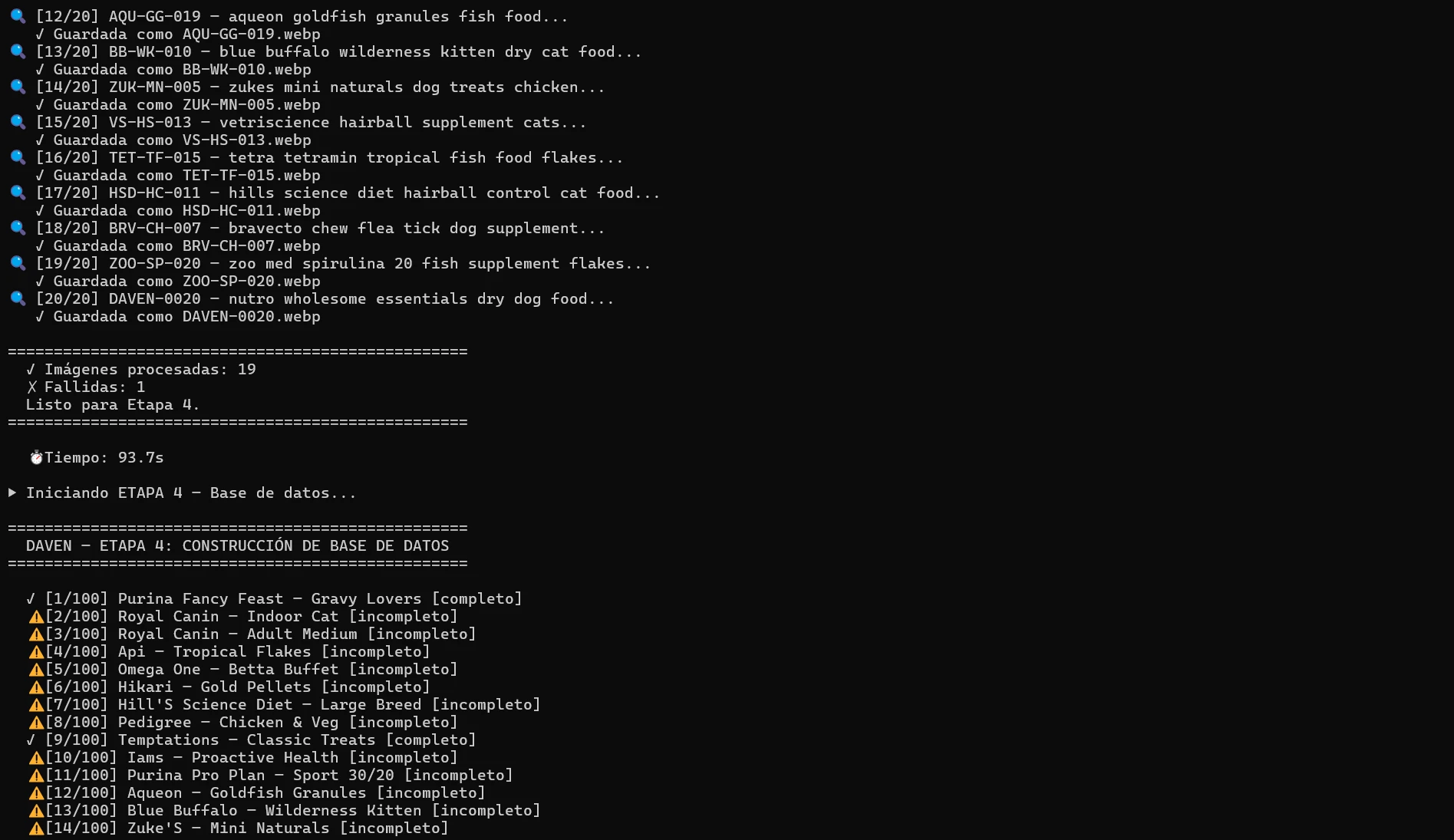
- Stage 3 — Image processing: Searches product images by UPC/SKU, downloads, removes background, converts to WebP at 800×800px.
- Stage 4 — Database build: Structures clean JSON, tags each product as complete or incomplete, flags missing fields.
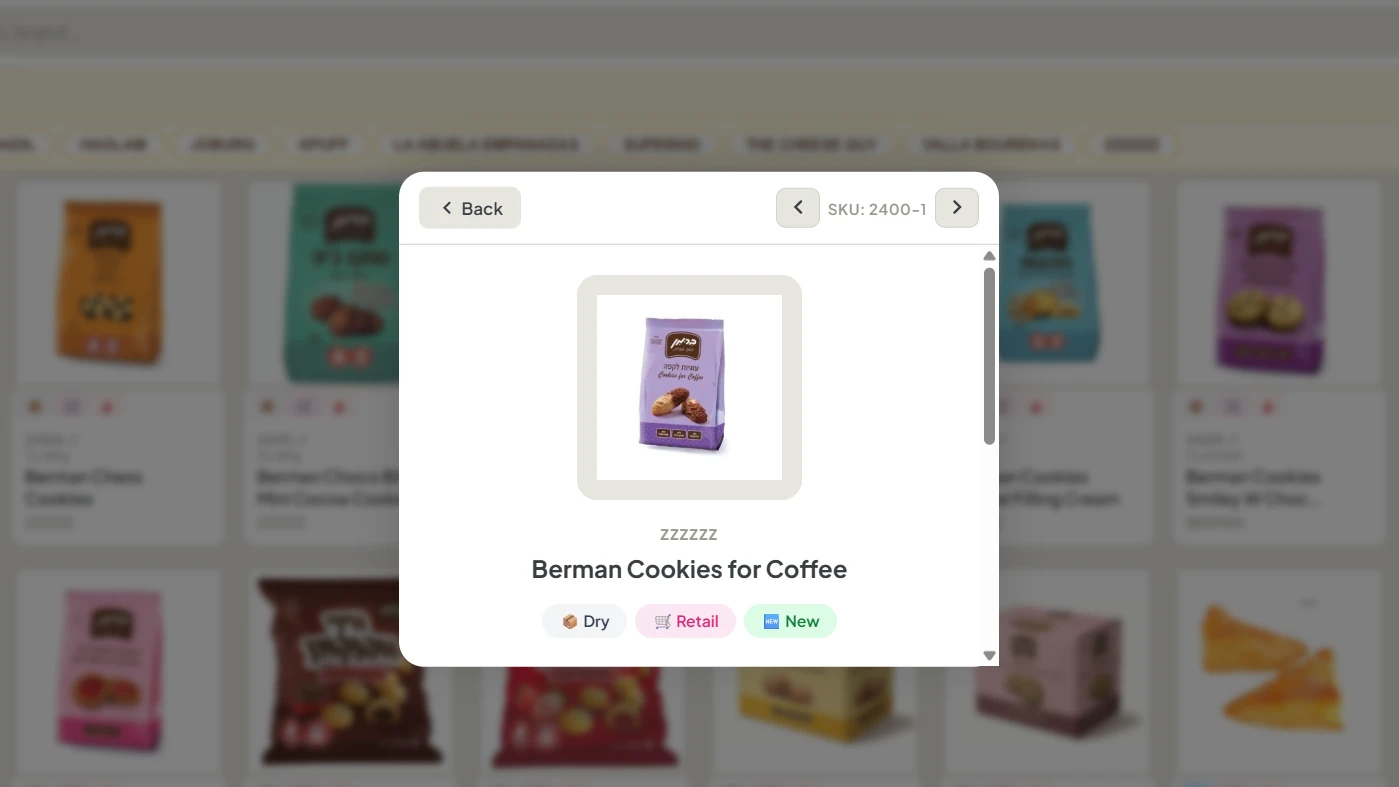
- Stage 5 — Catalog generation: Outputs a mobile-first HTML catalog with search, filters by brand and category, and product detail modal.
The Results
- 96% reduction in manual work 1,300 product images processed in 6 automated hours vs. 150–215 estimated manual hours (at 7 min/image average).
- ~80% QA accuracy on first pass approximately 230 corrections required out of 1,300 images. Root cause: inconsistent data in the source system, not the pipeline.
- 5,058 SKUs normalized Full catalog audited, cleaned, and structured in a single pipeline run.
- Delivered in 2 weeks From audit to working digital catalog deployed on Vercel, backed by Supabase and Cloudinary. Adopted by the sales team on day one.
Labor Reduction
5 automated hours vs. 150–215 manual hours for 1,300 product images.
97% Reduction in manual workImage Accuracy
36 corrections required out of 1,300 images processed. QA run in 2 hours with the sales team.
97.2% Accuracy on QA reviewTime to Catalog
Full project — audit, normalization, images, catalog — completed and handed off.
2 weeks Audit to working catalogWhat This Project Taught
The key identifier for image matching is the SKU, not the UPC. Using UPC causes mismatches in systems where SKU is the primary key. Food service and bulk products don't have retail packaging photos — they require description-based search queries, not barcodes.
Garbage in, garbage out: the pipeline processed correctly what it received. The 2.8% error rate came from inconsistencies in the source data, not from the automation logic. Data diagnosis is part of the work, not an extra.
Distributed QA — letting the sales team review the catalog via WhatsApp — caught context errors that centralized technical review missed. That's a process design decision, not a technical one.